
Building With Game Blocks

Patrick O’Callaghan
To follow up on any further developments and to check out some of my other work take a look at my thesis twitter and portfolio website:
https://programpat.wixsite.com/programpat
Why Building Blocks?
Having the freedom to use your creativity to create whatever you can imagine has always been something that has attracted me. As a kid I grew up building with Lego and would spend hours building whatever came to mind. Even though as I grew older I chose to pursue 3D modeling and animation as my main focus of study, Lego and other forms of building applications and the unending possibilities of wha
What are the essentials needed for being able to build in a space?
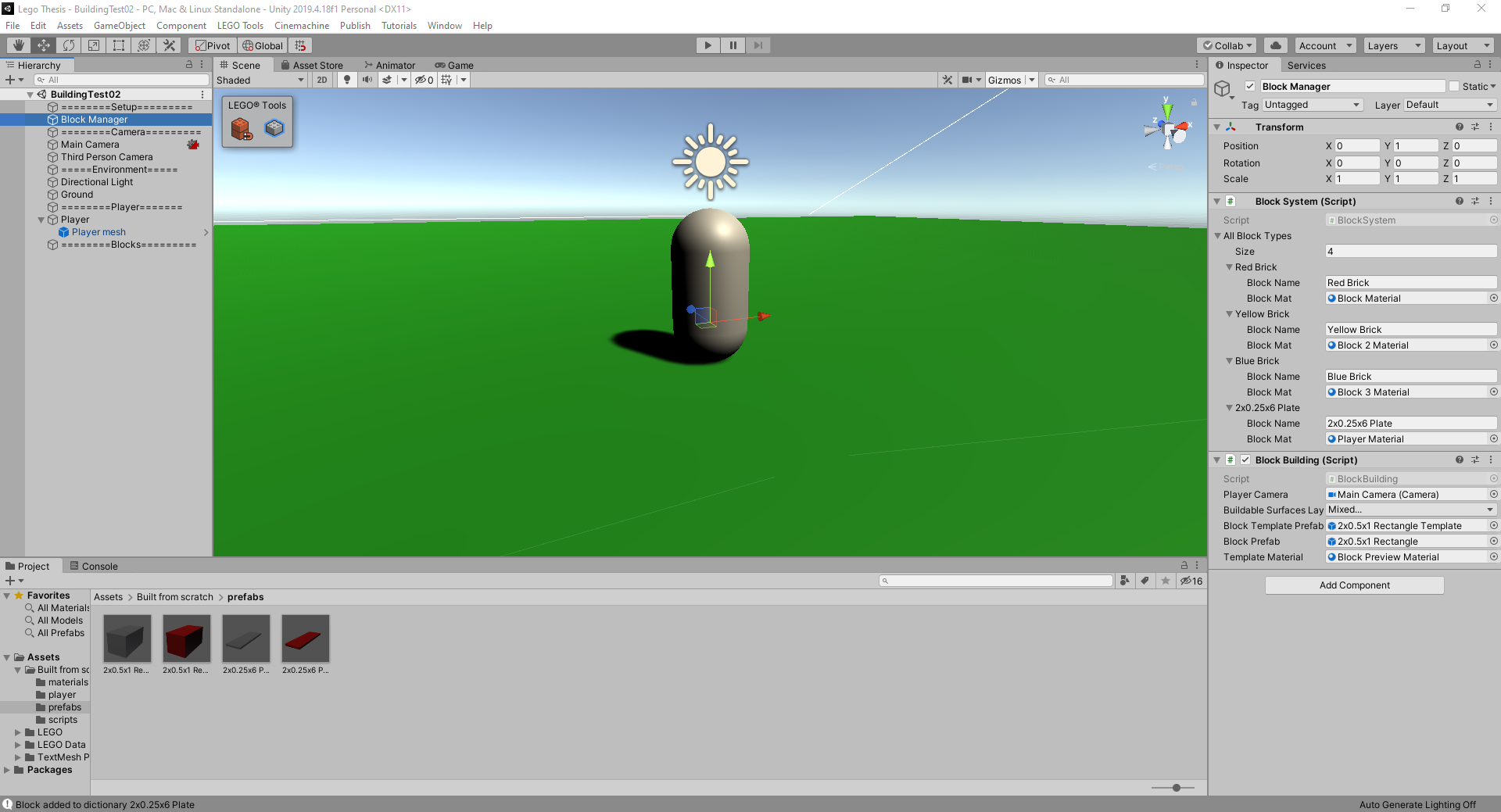
First things first is placing a block!
While my experience with Unity mostly revolves around the aesthetic side of things, this project was much more of a coding project than anything else which was rather intimidating for me. Placing an object in a designated location was the first step towards building anything. After doing some research I decided to do this by using a raycast and layers to determine what was an area in which I could

A preliminary version of the menu system working in game.
Now that I can place blocks what’s next?
Using different shapes and changing their orientation!
Being able to use different shapes rotate them in the right directions to fit your design is a pretty important part of any building simulator. These each presented their own set of challenges and required me to continue to learn new things such as being able to swap out the assigned prefab when pressing a button or accessing the rotation of an object and creating a function to have it rotate on a
After getting the button swapping working I figured I could in theory use a similar process to swap the colors on the blocks as well.

Spawning different types of objects with different colors and orientations.
Finally now that I could spawn things in a variety of configurations the last thing I felt that needed to be implemented was being able to remove blocks that I had previously placed within my scene. This was done using the same ray cast used to determine where to place the blocks but with a click of the right mouse button a function was called that would delete the object in contact with the ray c
This project was very informative for me and helped to better my understanding of coding in Unity, with the knowledge learned by working on this I plan to continue with this project in the future and build upon it further. Lastly I would like to thank my peers and faculty that helped me throughout this process.